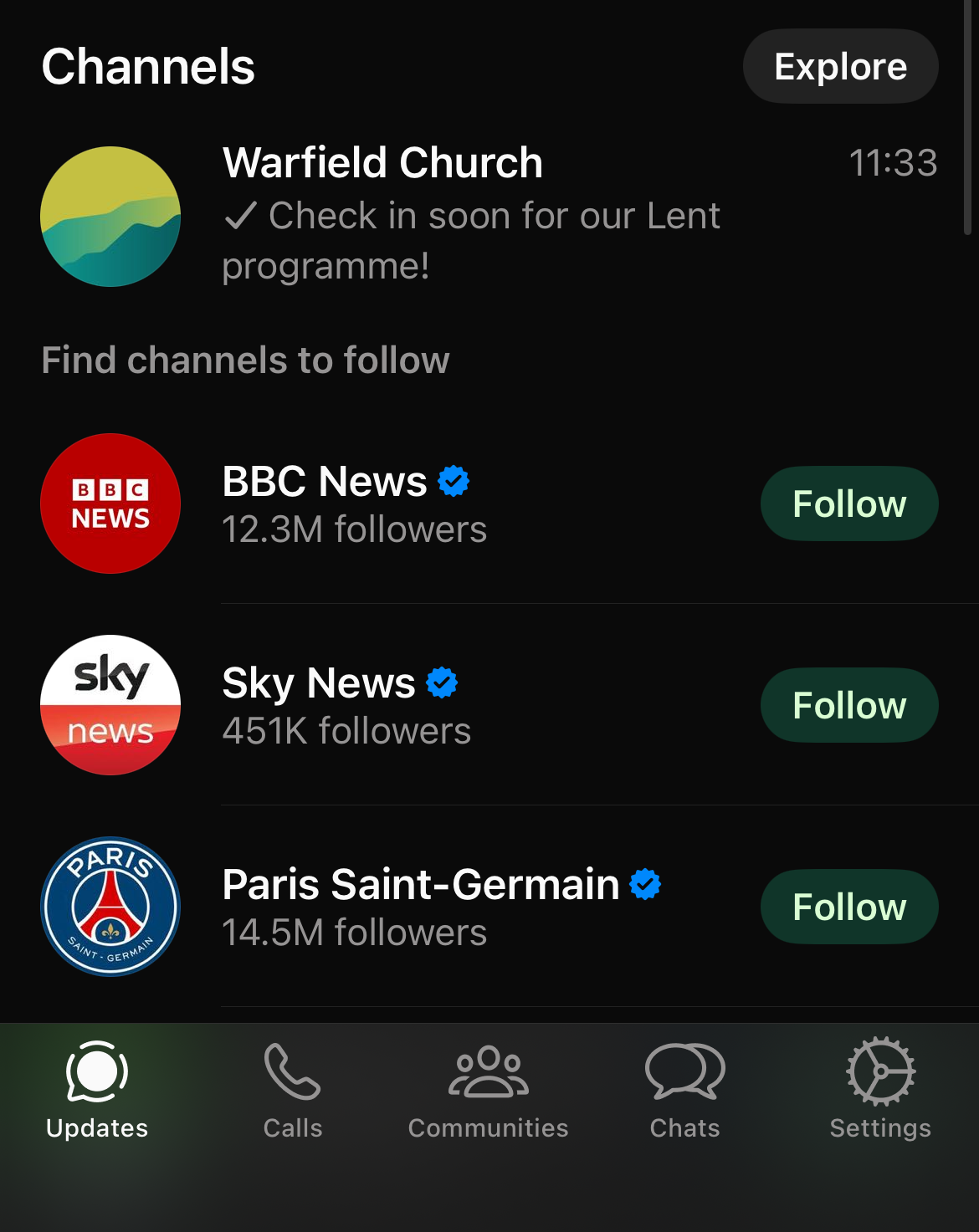
WhatsApp Channel
How to find and use our WhatsApp Channel (to view on a mobile phone)
1. If you're viewing this on a phone, follow
this link to WhatsApp
If you're viewing this on a PC, scan the QR code with your phone

2. This menu should appear. Press "View Channel"
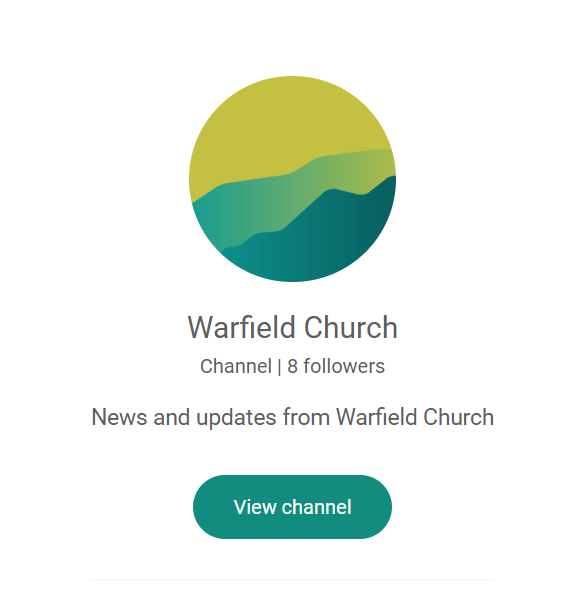
3. You should now see the Warfield Church WhatsApp Channel, with the most recent messages/posts.
Press "Follow Channel" (at the bottom of the screen)
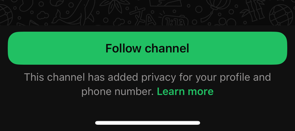
4. You're now following the channel and, if turned on, you'll receive notifications when new posts are added (you can change this with the bell icon at the top).
In order to find the channel again, you need to use the "Updates" tab at the bottom of the screen.